Notion's new Custom Agents let you automate workflows directly inside your workspace. Here's what they do, how to use them effectively, and where we think Notion is heading next.
For the longest time, one of my biggest frustrations with Notion is its lack of native automation capability.
You could build beautiful Notion systems, but the moment you wanted those systems to run themselves, you had to rely on third-party automation tools like Zapier (our choice), Make or n8n. For a product positioned as an all-in-one workspace, that gap was hard to ignore.
That’s being addressed as Notion finally updated their in-app automation features by releasing… Custom Agents!
Let me break this new feature down, what it can do, how we recommend using it and where we think this feature release signals Notion is going.
🤖 What are Notion Custom Agents?
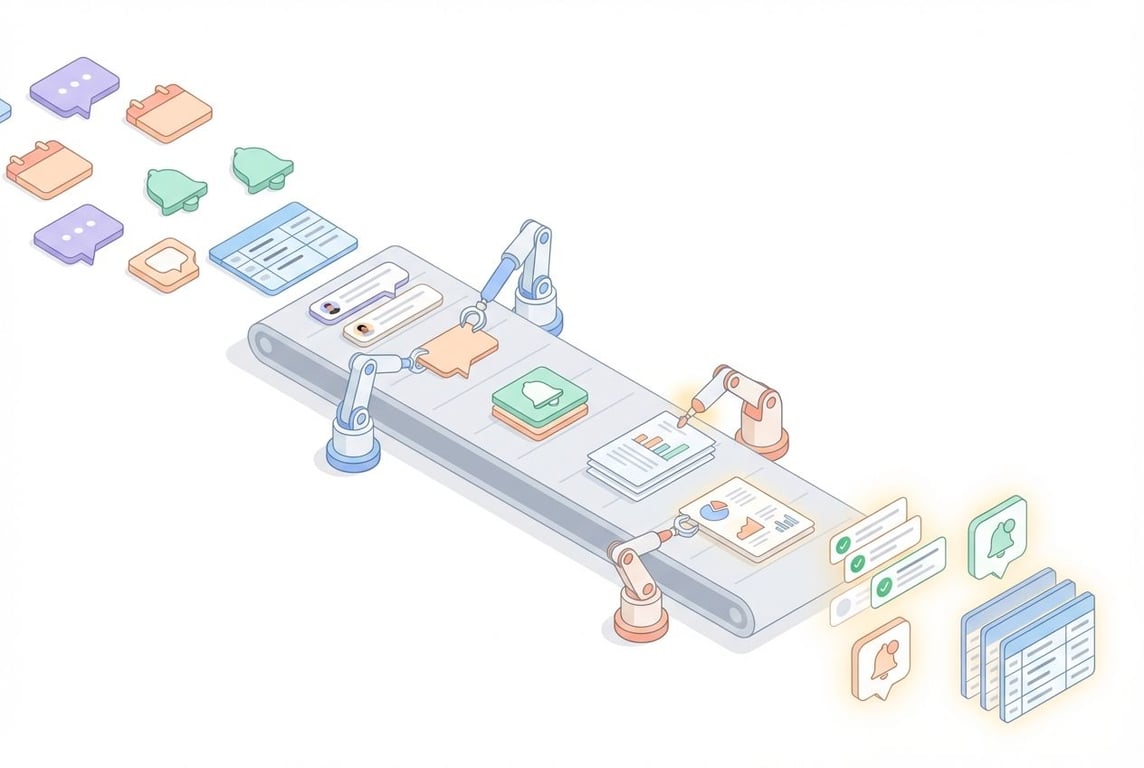
Custom Agents are workspace-wide automation agents that live directly inside Notion.
They run on your instructions and use your existing pages, databases, and connected tools as context. Once published, they operate automatically in the background based on triggers you configure (more on triggers below).
Over time, these agents become reliable building blocks that your team can depend on to reduce operational overhead and keep work moving.
At the time of writing, pricing and access are still being finalised as the feature remains in beta.
A Custom Agent that provides context on upcoming meetings
↔️ Comparison between Personal and Custom Agents
If you’re a regular Notion user, you’ll know Notion AI already exists and you have a personal Notion Agent. So what’s the difference?
Mainly:
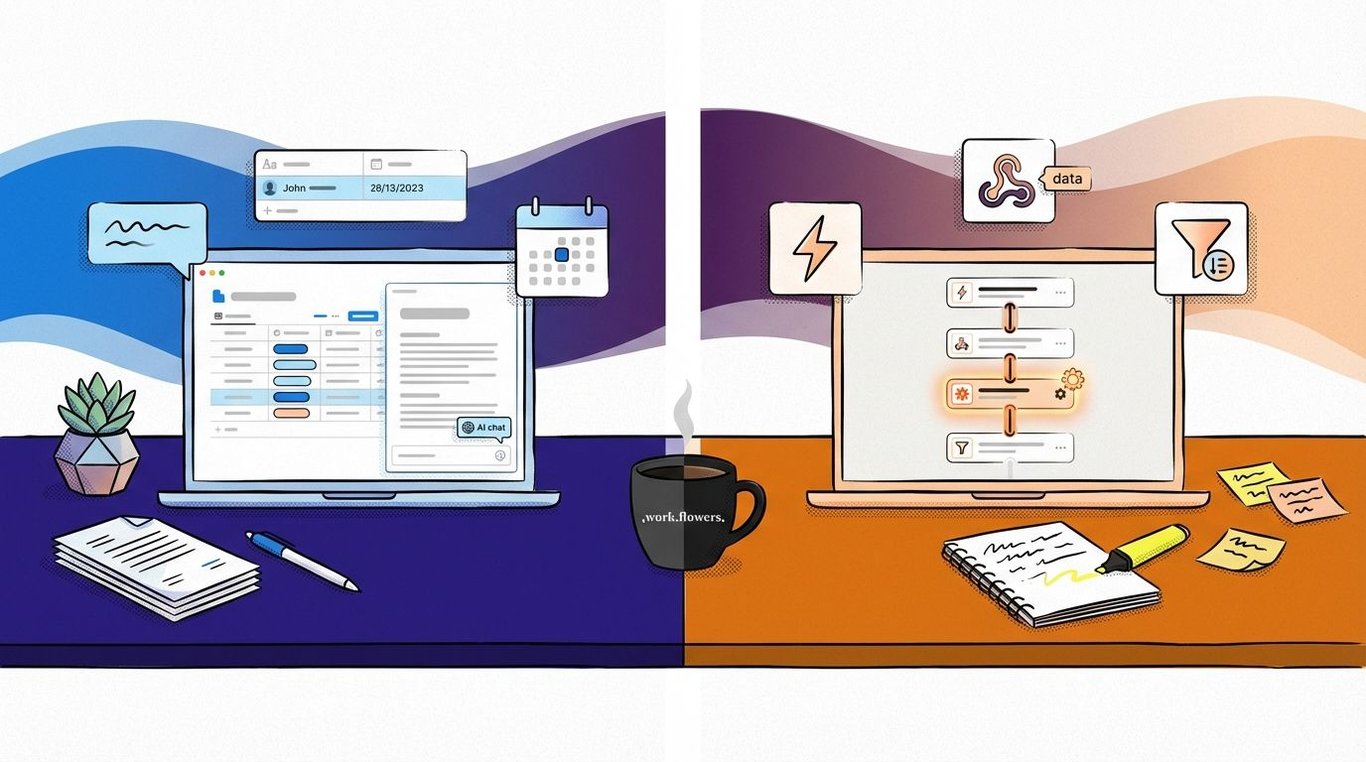
Notion Agents respond to prompts while Custom Agents execute workflows.
Personal Agents are reactive and individual. Custom Agents are proactive and shared.
Here’s a side-by-side comparison:
ㅤ
Custom Agents
Personal Agents
Primary purpose
Execute workflows automatically
Respond to user prompts
How they run
Triggered by schedules, events, or mentions
Triggered manually by prompts
Scope
Workspace-wide (based on permissions)
Individual only
Visibility
Shared across the team
Only visible to you
Content access
Scoped to selected pages and databases
Searches all content you have access to
Best used for
Reporting, triage, updates, coordination
Writing, summarising, thinking, exploration
A useful way to think about it is this:
👤 Personal Agents help you do better work.
⚙️ Custom Agents help work happen without you needing to remember to do it.
Mentions (@) Tag the Agent in a comment or in-line to trigger it.
💬 Native Integration (Currently only Slack)
This matters because Custom Agents won’t just be automating Notion inside Notion. But, they’re starting to talk to the rest of the tool stack.
Slack Triggers
Some use case examples:
Triggering follow-ups based on reactions
Turning messages into records in a database
Summarising message threads as a meeting note
Designing effective trigger combinations
Triggers become most powerful when combined thoughtfully.
For example:
A scheduled trigger can run weekly, but only act on items updated in the last seven days
A database trigger can activate an agent, while Slack is used as the delivery channel
An @mention trigger can give teams manual control over when an agent runs
🆕 How to get Started
We don’t believe in building automation for the sake of it. Starting from scratch rarely makes sense.
Instead, we begin by looking for friction that already exists. We look for workflows that rely on memory, repeated actions, manual handoffs, or constant follow-ups. These are usually the strongest signals that something should be automated.
We recommend starting with one agent. Then, observe how it is actually used, and refine it based on real user behaviour.
When done well, the Custom Agent should fade into the background. It should quietly remove friction from daily work, and give teams more space to focus on higher value decisions.
👍 Implementation Best Practices
After starting out, what matters next is thoughtful implementation across a whole organisation.
1️⃣ Start with focused automation
Rather than automating everything at once, document all the time-consuming tasks that could ideally be automated in a database. And prioritise based on how much time or mental energy could be saved.
Then, focus on a single most-prioritised task to automate and:
Build one agent to handle the task
Test it thoroughly in a real workflow
Expand only after it proves useful
Introducing too many automations too quickly can overwhelm teams, particularly if they are unfamiliar with automation tools. Starting small builds trust in the system and keeps agents genuinely useful rather than disruptive.
2️⃣ Documentation
As the number of agents grows, clarity becomes increasingly important.
In that same database as above, maintain properties to track:
Which agent replaces the manual task
What triggers it
Who owns or maintains it
Who should have access to it
Documentation makes automations easier to manage, troubleshoot, and scale over time, especially in larger teams.
3️⃣ Apply minimum access principles
Custom agent’s POV: Agents should only access the content they need. Granting access to too many pages may result in confidential information being shared.
Users’ POV: Tight permissions reduce risk and prevent unintended changes to the agent’s page access or instructions.
4️⃣ Review and refine regularly
Over time, teams grow, priorities shift and agents could become outdated or obsolete.
Review your agents periodically to ensure their relevance. We currently review ours every 1-2 weeks as we’re scaling our use of Agents as a start.
During these reviews:
Effectiveness: “Is it working?”
Verify that the agent is still triggering at the right moments and producing the intended outcomes.
Relevance: “Is it still needed?”
Identify agents that are rarely used or no longer needed
Workflow alignment: “Does it match working styles?”
Refine triggers so they reflect how the team actually works today, not when it was designed.
Experience and output quality: “Does it feel good to use?”
Adjust logic, formatting, or outputs based on feedback from the people who interact with the automation most.
If an agent no longer has a clear use, remove or simplify it. A smaller set of well understood and maintained agents beats a large collection of outdated automations.
🚀 Our Prediction for Notion’s future towards workspace automation and AI
Notion seems to be strengthening its positioning as an intelligent layer sitting at the centre of team operations, by reducing reliance on third-party automation tools to achieve advanced workflows.
Some of our predictions for what Notion will ship next:
More native integrations across email, calendars, and other tools
Smarter agents with deeper contextual understanding
Shared libraries of reusable automation patterns (Similar to templates on Notion Marketplace)
🤝 If you’d like help understanding where your company’s workflows could be better automated, reach out to us!
Notion Custom Agents and Zapier Agents take fundamentally different approaches to AI automation. Here's where each one wins — and where it falls short.
How I built a content system using Notion, Zapier, Readwise, and AI agents that produces original writing at scale — without sounding like everyone else.