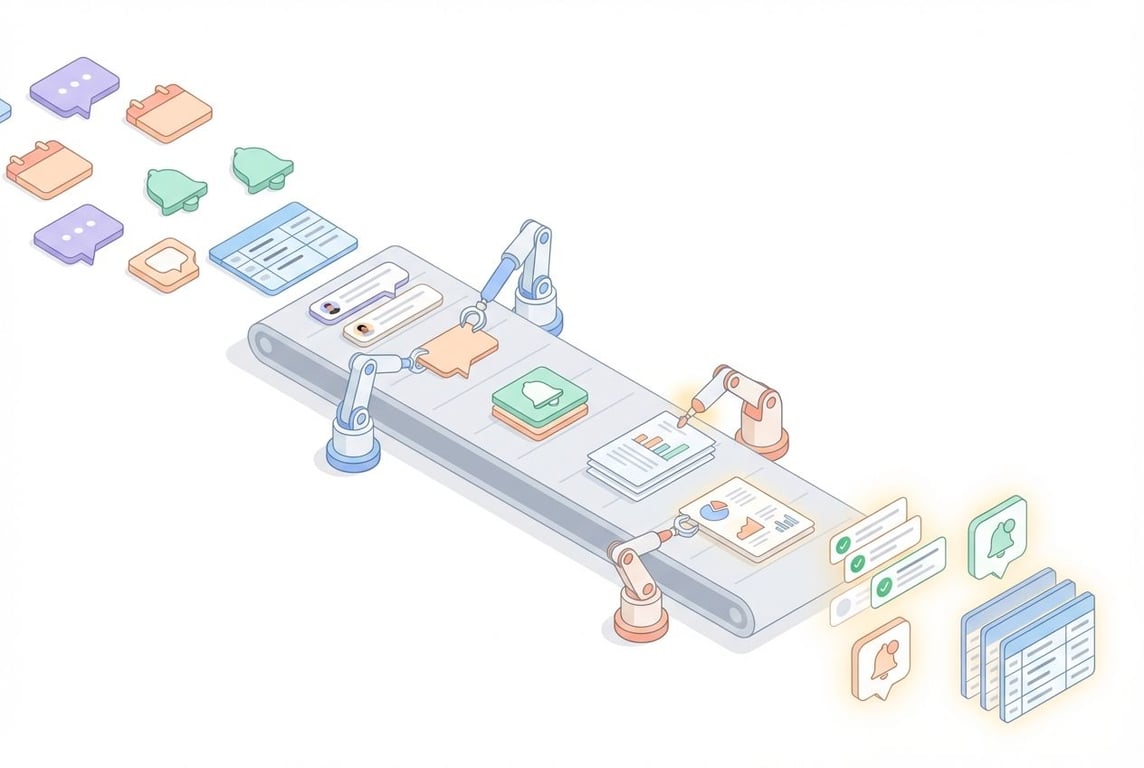
Notion has released Custom Agents—a workspace-wide automation feature that lets you build intelligent assistants to handle repetitive tasks. Unlike personal agents (which are tailored to individual users), Custom Agents are shared across your entire workspace, ensuring consistency and reducing manual work for everyone.
Here are five practical use cases we've been experimenting with.
1. Meeting Context Agent
Trigger: When a new page is added to the meeting notes database
The problem: You're about to jump on a call, but you can't remember what you discussed last time. Was there an outstanding action item? Did they mention a blocker in Slack last week? Scrambling through emails, Slack threads, and past meeting notes is a time sink.
What it does: When a new meeting note is created, this agent automatically identifies the attendees and searches across multiple sources—past meetings, email threads, and Slack conversations—to surface relevant context. It then adds a concise summary to the top of the meeting page.
The output includes:
Recent meeting titles, dates, and key topics discussed
Relevant email exchanges with the same contacts
Key Slack conversations or decisions
Outstanding action items or follow-ups
If there's no prior history with the attendees, the agent adds a simple note: "This appears to be your first meeting with these attendees."
This means you walk into every call with full context—without lifting a finger.
2. Weekly CRM Summary Agent
Trigger: Scheduled (every Monday morning)
The problem: Keeping the team aligned on client activity requires someone to manually pull together meeting notes, deal updates, and new leads into a coherent summary. It's tedious, and it often doesn't happen consistently.
What it does: This agent (we call it "Valiant Steward" internally) automatically reviews CRM activity and posts a formatted summary to a designated Slack channel. It synthesises information from multiple sources: recent meetings, deal stage changes, new contacts, and email interactions.
The summary covers:
Key client meetings and outcomes from the past week
Upcoming meetings scheduled for the current week
Notable deal progress or pipeline changes
New prospective clients or warm leads
Important follow-ups or action items
The output is formatted with clear sections and emoji headers (📅 This Week's Meetings, 💰 Pipeline Updates, 🆕 New Leads) so it's scannable at a glance. Even on quiet weeks, the agent sends a brief note so the team knows the CRM is being monitored.
No more Monday morning report writing—it just appears in Slack.
3. Company Research Agent
Trigger: When a company's Website property is populated
The problem: When a new prospect or company enters your CRM, someone needs to research them—visit their website, figure out what they do, check their size and industry. It's repetitive work that adds up quickly.
What it does: When a company record has its Website property filled in, this agent visits the site and automatically populates the database record with relevant information.
Properties it fills:
Company Name – The full legal name (looking for Inc., Ltd., Pte. Ltd., etc.)
Description – A concise 1-2 sentence summary of what they do
Industry – Selected from predefined categories
Country – Headquarters location using ISO country codes
Size – Employee count range (2-10, 11-50, 51-200, etc.)
Address – Physical address if available on the website
Beyond properties, the agent also conducts deeper research using web search and writes a comprehensive overview in the page body, covering:
Company overview and value proposition
Market position and competitive landscape
Recent news and announcements
Funding history and growth stage
This turns a 15-minute research task into something that happens automatically in the background.
4. Jargon Explainer Agent
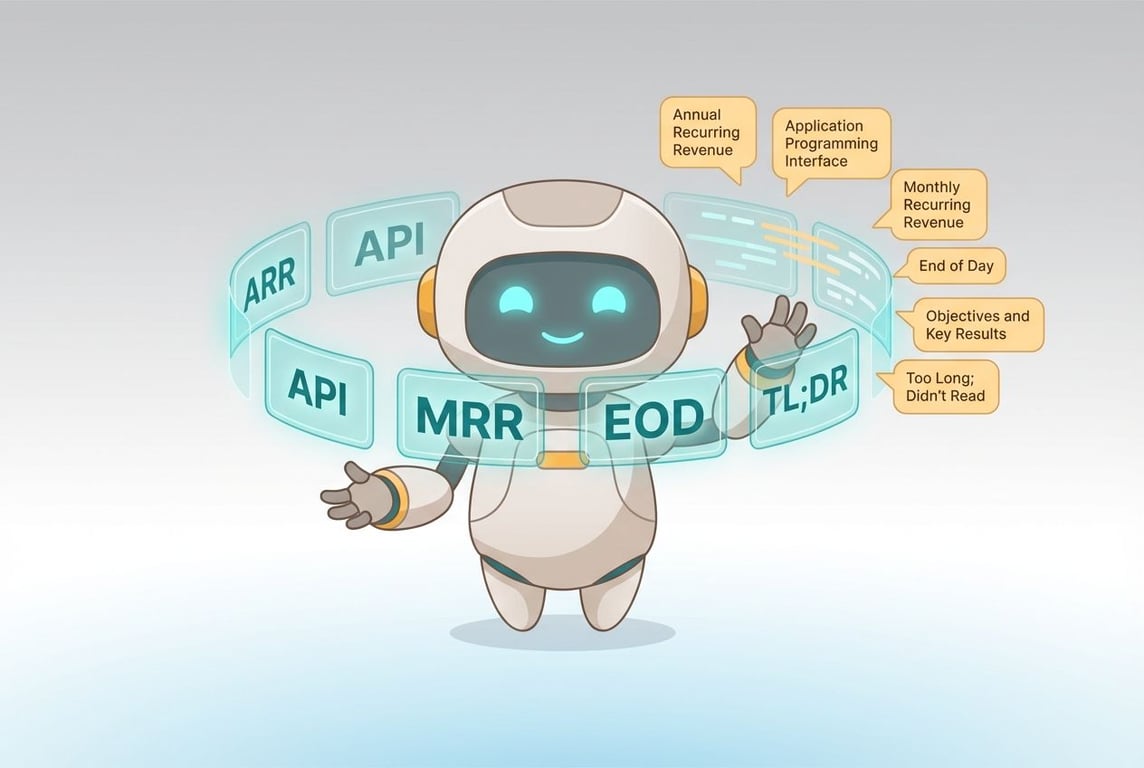
Our Custom Agent bot-splaining in Slack
Trigger: When someone reacts to a Slack message with a specific emoji
The problem: Slack threads are full of acronyms, internal codenames, and industry jargon. New team members (or anyone outside the immediate context) often have to interrupt the conversation to ask what something means.
What it does: When someone reacts to a Slack message with a designated emoji (we use 🤔), the agent reads the entire thread—not just the reacted message—and identifies any jargon, acronyms, or technical terms. It then searches across Notion, connected integrations, and the web to find definitions.
What counts as jargon:
Acronyms and initialisms (CRM, API, ARR, CPF, etc.)
Industry-specific terminology
Company-internal codenames or project names
Technical terms that might not be familiar to everyone
Tools or platforms mentioned by name
The agent replies directly in the Slack thread with clear, formatted definitions—terms in bold, bullet points for multiple terms, and links to relevant Notion documentation when available.
If it can't find a definition, it says so rather than guessing. Simple, but surprisingly useful for inclusive communication.
5. Slack-to-Task Agent
Trigger: When a Slack message receives a specific emoji reaction
The problem: Tasks get buried in Slack threads. Someone mentions a bug, a request, or an action item, and unless someone manually creates a task, it disappears into the scroll.
What it does: When triggered by an emoji reaction, this agent reads the entire Slack thread to understand the full context, then creates a task in your Notion task database.
The workflow:
Reads the complete Slack thread (not just the triggering message)
Identifies the core issue, bug, or action being discussed
Checks for duplicate tasks in the database
Creates a new task with a clear, descriptive title
Responds in Slack with a link to the created task
Smart property detection:
Assignee – Looks for mentions of who should handle this in the thread
Due date – Detects time-sensitive language like "by Friday", "end of week", or specific dates
Context – Includes relevant Slack messages in the task body for full context
If the agent finds a duplicate, it simply responds with a link to the existing task instead of creating a new one.
This turns Slack chaos into trackable, assignable work—without anyone having to leave the conversation to create a task manually.
Getting Started
Custom Agents can be triggered by:
Schedule (daily, weekly, etc.)
@mentions in page comments
Emoji reactions in Slack
Database events (new page created, property updated, etc.)
Other cool ways that I can’t tell you about yet
What's Next?
We're continuing to explore new use cases and will share more examples as we build them. If you're interested in setting up Custom Agents for your team, get in touch!
Notion Custom Agents and Zapier Agents take fundamentally different approaches to AI automation. Here's where each one wins — and where it falls short.
How I built a content system using Notion, Zapier, Readwise, and AI agents that produces original writing at scale — without sounding like everyone else.
Notion's new Custom Agents let you automate workflows directly inside your workspace. Here's what they do, how to use them effectively, and where we think Notion is heading next.